
Kelly Coughlin, CPA
Accounting Software vs. Accounting System
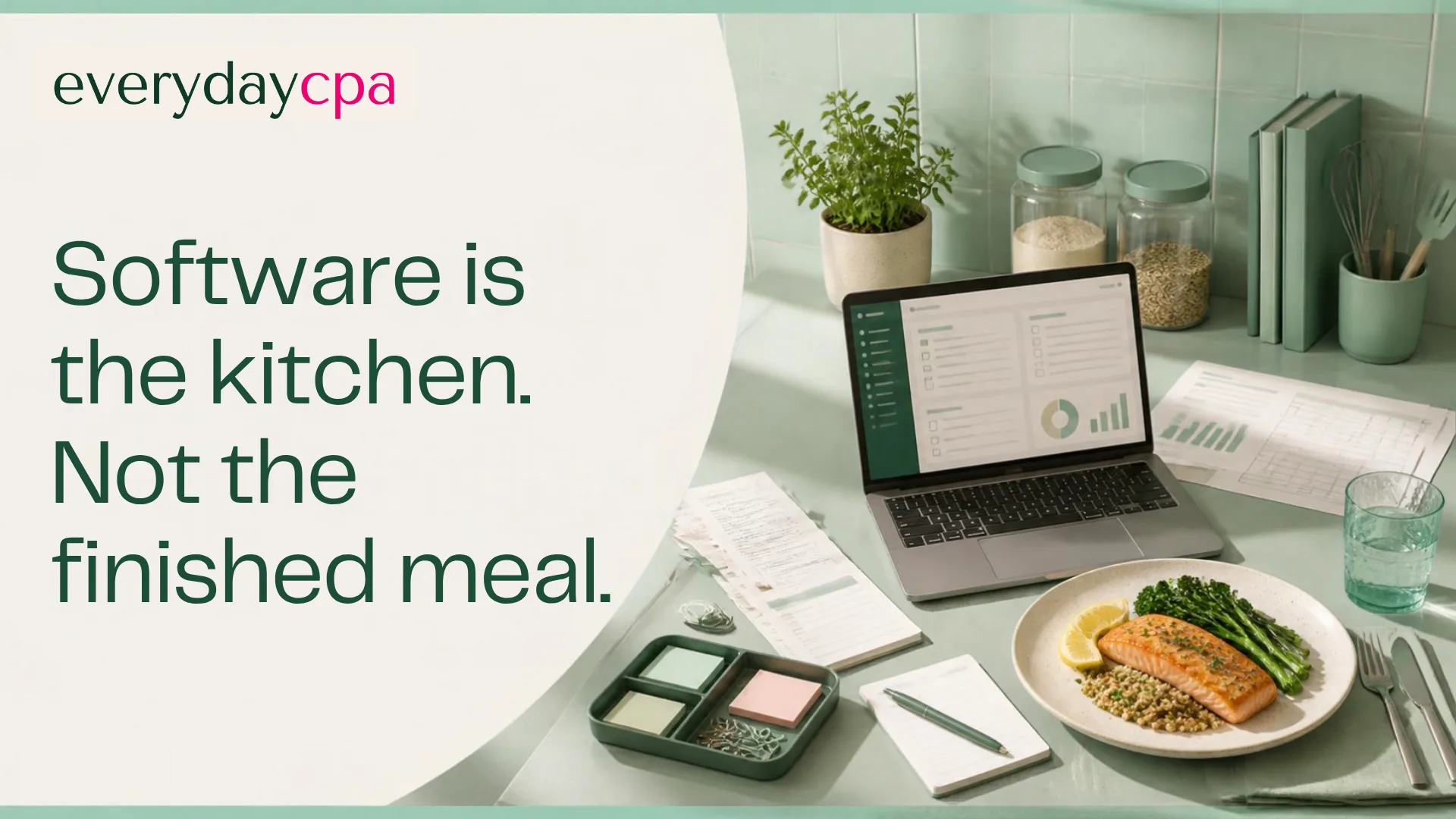
Buying accounting software is like buying a kitchen and assuming dinner is cooked.
The kitchen matters. It holds the tools. It creates a place where the work can happen. But a working meal also needs ingredients, a process, timing, skill, judgment, and someone responsible for the result.
Accounting works the same way.
QuickBooks, Xero, spreadsheets, payroll tools, payment systems, receipt apps, and dashboards can all play an important role. None of them automatically creates reliable books, tax-ready information, or a clear decision.
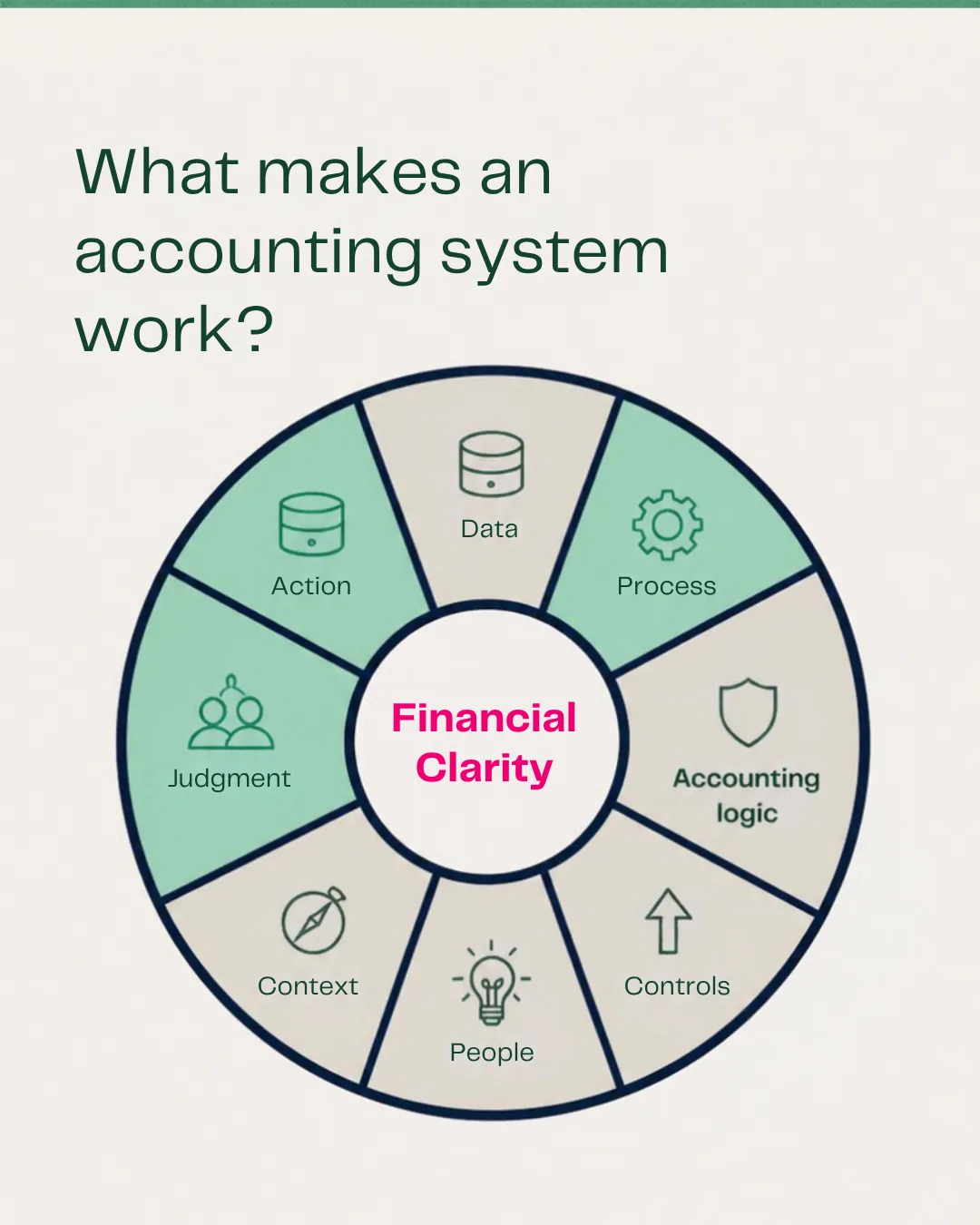
A functioning accounting system combines technology, process, people, controls, context, judgment, and action.
That is the system an owner should evaluate.
What accounting software does well
Modern accounting software can save enormous amounts of time. Depending on the product and setup, it can:
import bank and credit-card activity;
create invoices;
record bills and payments;
track customers and vendors;
suggest transaction categories;
support reconciliation;
produce financial statements; and
connect with payroll, payment, inventory, and other operating tools.
These are valuable capabilities. QuickBooks is not the problem simply because it is software. It is widely used because it can perform many parts of the accounting process well.
A tool cannot decide how it should be used
The same software can produce very different outcomes in two businesses.
In one business, accounts are reconciled every month, revenue is matched correctly, personal and business activity is separated, tax-sensitive items are reviewed, and reports are discussed with someone who understands the operation.
In another, bank-feed items are cleared when someone has time, deposits are occasionally counted twice, old balances remain on the balance sheet, and the profit-and-loss statement is opened only before the tax return is due.
The tool may be identical. The system is not.
Software can store a category. It does not always know the business reason behind the payment. It can show a bank balance. It does not automatically know which obligations must be paid next week. It can generate a report. It cannot guarantee that the report is complete, accurate, tax-ready, or understood.
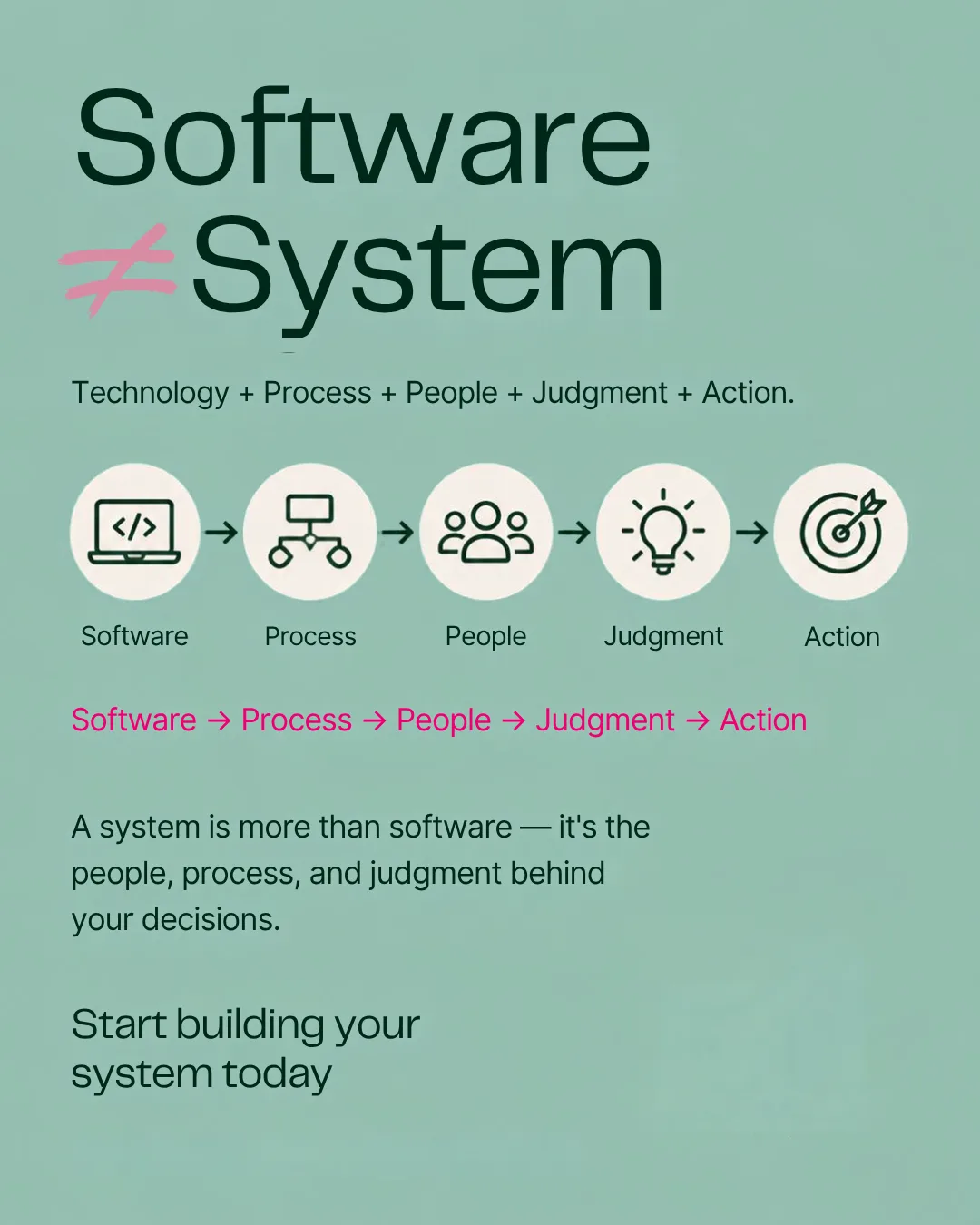
The eight parts of a working accounting system
1. Reliable source data
The system needs complete information from bank accounts, credit cards, invoices, payroll, loans, owner activity, and other relevant sources. Missing accounts or incomplete records create false confidence.
2. A consistent process
Someone must know when activity is imported, how exceptions are handled, when accounts are reconciled, what documents are retained, and how questions reach the right person.
3. Accounting logic
Transactions must be treated according to accounting rules. A payment may belong on the income statement, the balance sheet, or neither. The right answer depends on the facts.
4. Controls
Controls help prevent and detect mistakes, duplicates, missing transactions, unauthorized payments, and unusual activity. A bank feed is convenient. It is not a complete control environment.
5. People
The owner, internal staff, bookkeeper, CPA, payroll provider, or advisor each may hold part of the responsibility. A system works when those responsibilities are explicit.
6. Business context
Only the people close to the business may know why a payment occurred, whether a customer deposit is refundable, why an expense was paid personally, or whether a charge relates to a new project.
7. Professional judgment
Unusual transactions, tax treatment, entity questions, year-end adjustments, risk, and planning may require a qualified professional who can evaluate facts and take responsibility for the recommendation.
8. Action
The system should lead somewhere. Collect the overdue invoice. Reserve cash for taxes. Change a price. Investigate an expense. Correct a process. Ask a better question.
Without action, the system has produced information but not its full value.
Is QuickBooks enough for a small business?
Sometimes. The honest answer depends on what “enough” means and who is supporting it.
QuickBooks may be enough as the technology layer for a relatively simple business with a dependable process, disciplined records, appropriate review, and clear access to tax and accounting judgment.
It may not be enough when:
nobody owns the monthly close;
accounts are not reconciled;
the owner does not trust the categories;
invoices and deposits are mismatched;
the balance sheet contains unexplained amounts;
reports arrive too late to influence a decision;
tax questions surface only at filing time; or
the owner must spend too much time maintaining the workflow.
Those are system problems. Buying a different tool may help, but it will not automatically fix ownership, process, context, controls, or judgment.
AI adds capability, not automatic reliability
AI can make the technology layer more capable. It can read, organize, suggest, match, summarize, and flag. That can reduce repetitive labor and bring exceptions forward faster.
The same caution applies: capability is not the same thing as a complete system.
An AI suggestion may be useful. It still needs the right data, rules, review, and context. A deposit that resembles revenue may be a loan or transfer. A purchase that resembles an expense may need different accounting or tax treatment.
The right question is not, “Does the software have AI?”
Ask:
What work does the technology perform?
What exceptions does it surface?
Who reviews the output?
Who owns the judgment?
What does the owner still have to do?
How does the information become a decision?
Those questions reveal the system behind the product page.
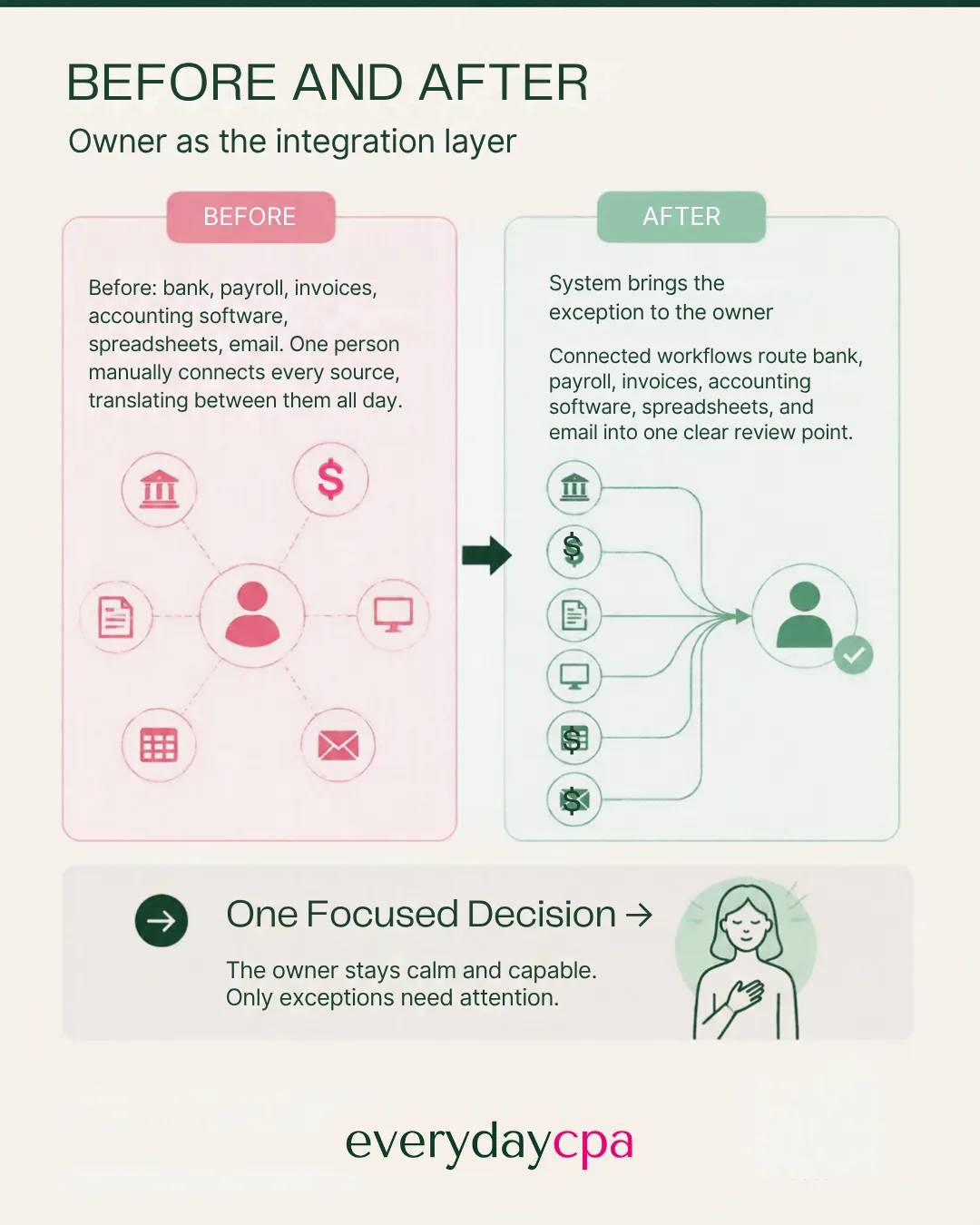
The owner should not be the integration layer
Many small businesses have several useful tools that do not form a useful system. The owner moves between the bank, QuickBooks, payroll, invoices, spreadsheets, email, and a folder of tax documents. Then the owner tries to reconcile what all of them mean.
That makes the owner the integration layer - the person responsible for carrying information between disconnected parts.
It is an expensive and stressful design.
A better system brings the activity together, handles more repetitive movement and monitoring, asks the owner for context when necessary, and gives professionals a reliable place to review and explain the result.
The owner should spend attention on the exception and the decision, not on making every tool talk to every other tool.
Where EverydayCPA and iPacio fit
EverydayCPA is the CPA firm clients hire. iPacio is our proprietary financial-clarity platform.
iPacio is QuickBooks-compatible, not QuickBooks-dependent. That means QuickBooks may remain part of the workflow when it fits. We may also clean up the setup, import information, or change how the owner interacts with the accounting process.
The goal is not to force every business into one software answer.
The goal is a functioning system in which:
technology handles more repetitive work;
the process is clear;
important exceptions receive attention;
professionals apply judgment;
the owner provides context; and
the information supports action.

Five questions to ask about your current setup
Do I trust the numbers, and do I know why?
Is there a dependable process for reconciliation and review?
Does everyone know which decisions and exceptions belong to them?
Do the reports explain what needs attention, or only list what happened?
How much of my time is spent operating the accounting instead of using the information?
If those answers are unclear, the problem may be larger than the software.
Software is a component. The accounting system is the complete way information becomes a reliable decision.
Kelly's position paper explains how AI changes accounting work, pricing, and the value of professional judgment. Download the Position Paper Here